

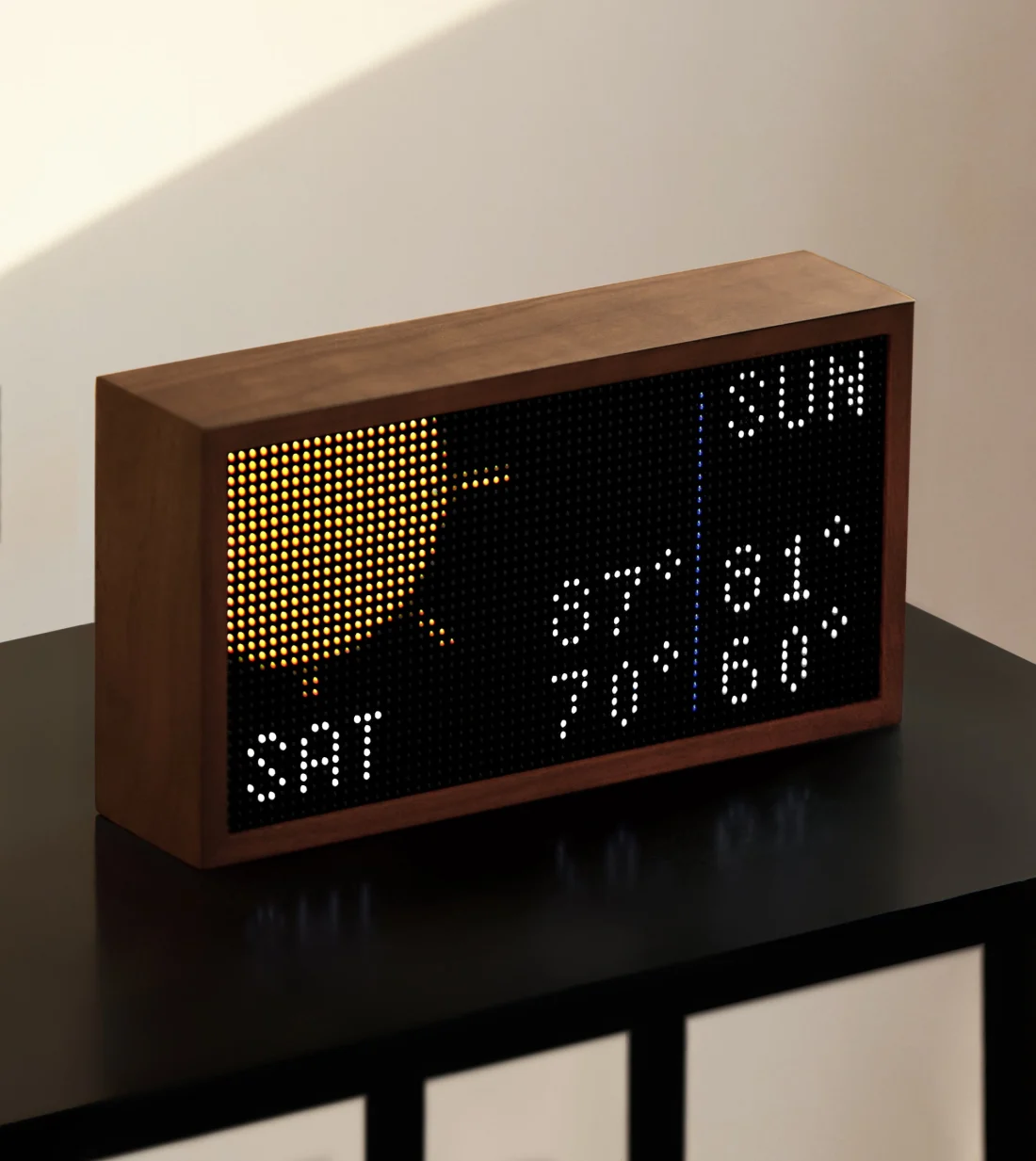
Original Tidbyt Gen 1
Uses the CP2102N USB bridge and offers a panel-color orientation choice.
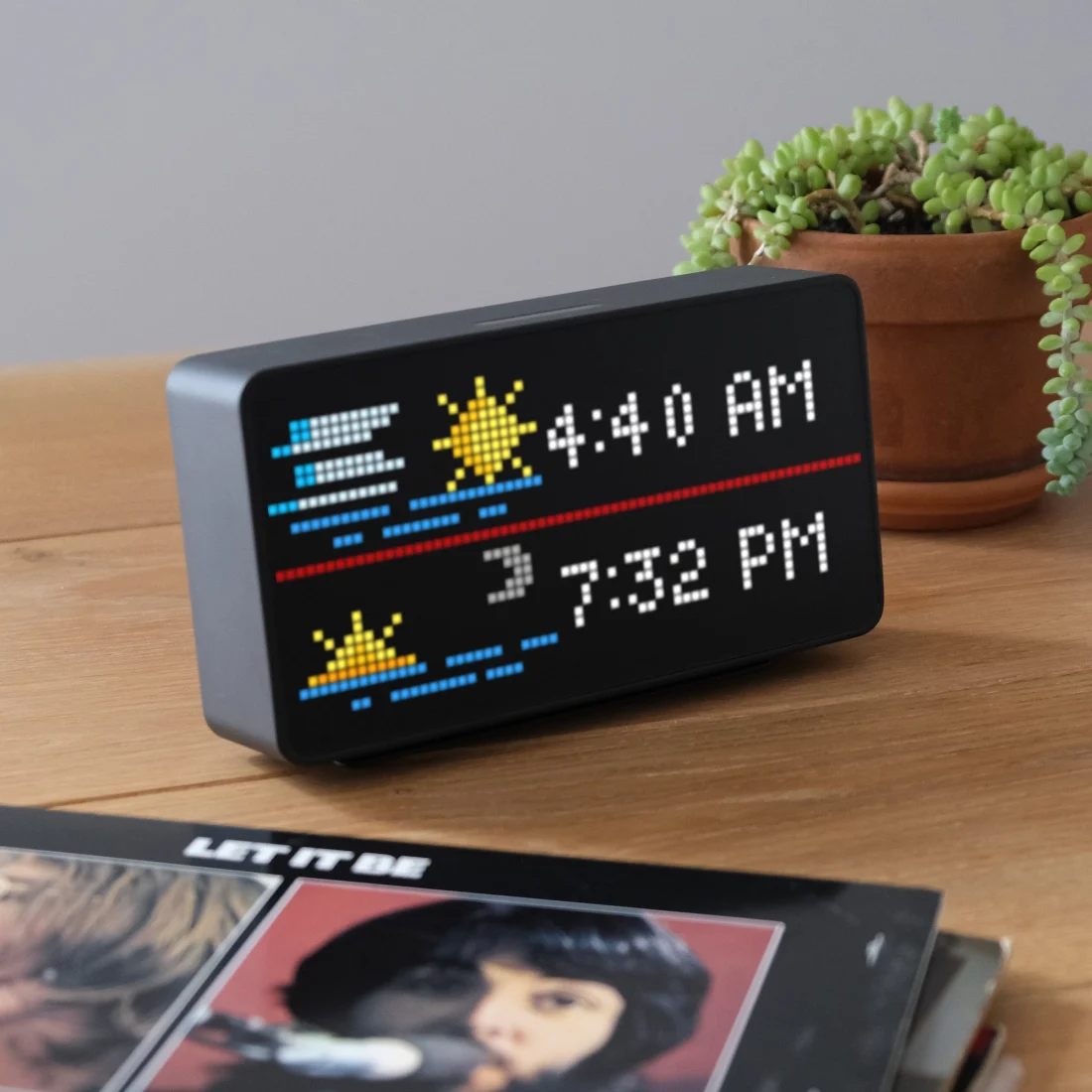
Tidbyt Gen 2
Uses a Web Serial connection and its own Gen 2 merged image.
Before you begin
- Use desktop Chrome or Edge. Gen 1 requires WebUSB; Gen 2 requires Web Serial.
- Connect directly with a data-capable USB-C cable and avoid hubs.
- Keep the display powered until write verification finishes.
- Close serial tools and other browser tabs that might be using the display.
1
Install Niblet firmware
Open the browser installer, select the
exact model, name the display, and acknowledge the full erase.
2
Erase and install
Connect the requested USB device. Let the installer erase the full flash,
verify the model-specific image, write it at address
0x0, and restart.3
Connect the display
Wait for the eight-digit code and keep the installer open. Join the
NIBLET-SETUP-xxxx Wi-Fi using that code as its password, return to the
installer, and enter your home Wi-Fi details.4
Confirm it is online
Reconnect your computer to its usual Wi-Fi. The Tidbyt will finish connecting
while you open its new display page in the Niblet dashboard.
5
Choose apps again
Open the Niblet dashboard, install apps from the catalog, and configure
schedules, brightness, and app settings for this display.
Your Wi-Fi password and display code go directly from the browser to the Tidbyt.
They are never sent to Niblet Cloud or saved in browser storage.
Troubleshooting
First, close serial monitors, IDEs, other installer tabs, and any program that might be using the Tidbyt. Connect it directly with a known data cable, then retry the browser installer once.Chrome says Access denied
Chrome says Access denied
This is most common with an original Tidbyt Gen 1 on Windows. If Device
Manager shows a Silicon Labs CP210x COM port and a serial flasher can connect,
the cable, USB bridge, and ESP32 loader are responding.Chrome may still be unable to claim the same CP2102N interface through
WebUSB while the Silicon Labs driver owns it. Close every serial client,
reconnect the Tidbyt, and retry once. If the same error returns, use the
native flasher below first.If you still want to use the browser installer, this community-reported
workaround can help on Gen 1:
- Download Zadig from its official website and open it as an administrator.
- Choose Options → List All Devices, then select the CP210x device with
USB ID
10C4:EA60. Check the ID carefully so you do not change another USB device. - Select WinUSB, replace the driver, disconnect and reconnect the Tidbyt, then reopen Chrome and retry the browser installer.
The Windows installer stops with NativeCommandError
The Windows installer stops with NativeCommandError
If PowerShell points to Do not change the USB driver for this message alone. If the current installer
then reports that it cannot open the COM port, close every browser installer,
serial monitor, and IDE before trying again.
Flash-Niblet-Offline.ps1, $ProbeOutput, or a
folder containing 0.1.13-r1, you have an older Windows package. That
version could treat normal output from esptool.exe as a PowerShell error
before the connection test finished.Download and run the current installer instead:Download the latest Windows installer
Close the old terminal window, save this file, and open it from Downloads.
The ESP32 ROM did not answer
The ESP32 ROM did not answer
The browser opened the USB transport but could not finish syncing with the
bootloader. Confirm that you selected the exact Tidbyt generation, close
anything using its port, power-cycle it, and retry. If the error repeats,
run the native flasher’s non-writing connection test.
No supported USB or COM device appears
No supported USB or COM device appears
Connect the Tidbyt directly to your computer with a known data-capable USB
cable. A cable can power the display without carrying data. Try another cable
and USB port before installing a driver.On Windows, open Device Manager, then unplug and reconnect the Tidbyt.
Look for a new entry under Ports (COM & LPT) or Other devices. If it
has a warning icon, or the native flasher needs a COM port that is missing,
install the driver for your model from the chip maker:
- Original Tidbyt Gen 1: Silicon Labs CP210x VCP driver
- Tidbyt Gen 2: WCH CH343 serial driver
Installation stopped after erase or write began
Installation stopped after erase or write began
Keep the Tidbyt connected. Run the same trusted Niblet package again and let
the full erase, write, and verification finish. A few random LEDs during
this process are normal. If the display shows
FAULT CACHE, repeat the
installation without disconnecting power.Wi-Fi setup cannot reach the Tidbyt
Wi-Fi setup cannot reach the Tidbyt
Stay on the installer page and join
NIBLET-SETUP-xxxx using the current
eight-digit display code. Allow local-network access if your system asks.If the error appears after the Tidbyt changes networks, reconnect your
computer to its usual Wi-Fi and check the dashboard. If the code is still on
the display, rejoin its setup network and try again.Use the native flasher
If browser installation keeps failing, use the native installer. It finds your Tidbyt, tests the USB connection, and asks for confirmation before replacing the firmware.- Windows
- macOS
1
Connect your Tidbyt
Use a data-capable USB cable. Close the browser installer, serial
monitors, IDEs, and anything else that might be using the display.
2
Download the installer
Download install-niblet.cmd
Save the Windows installer to your Downloads folder.
3
Open the downloaded file
Double-click
install-niblet.cmd in Downloads. A terminal window opens
and finds the connected Tidbyt automatically.4
Let the connection test finish
Wait until the installer says the connection passed. If no COM port
appears, install the CP210x driver for Gen 1 or the CH343 driver for Gen
2, reconnect the Tidbyt, and run the file again.
5
Confirm the installation
Type
ERASE AND FLASH exactly when asked. Keep the USB cable connected
until the installer reports success.6
Finish setup in your browser
Return to the Niblet installer to
connect the Tidbyt to Wi-Fi and choose your apps.
If you still need help
Send support the stage where setup stopped, not only the final message. Include:Tidbyt is a trademark of its respective owner. Niblet is an independent project
and is not affiliated with or endorsed by Tidbyt.